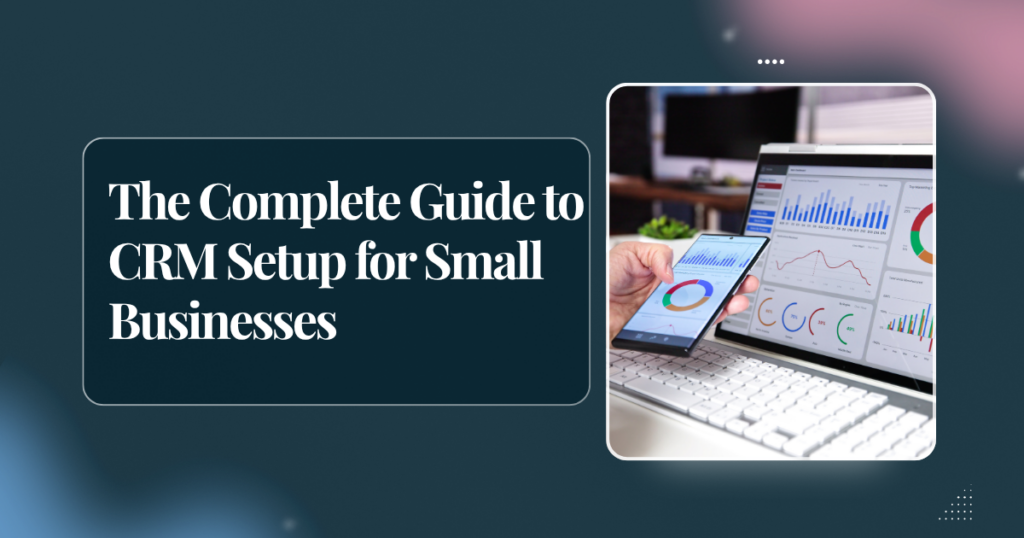
Every week, small business owners lose thousands of dollars in potential revenue. The leads are coming in. What’s missing is a system for managing them once they arrive. A prospect emails, gets a reply, then falls into silence. A hot lead from a networking event never got a follow-up. A proposal went out and nobody checked in a week later.
This is what CRM software is built to solve. And when it’s set up properly, it can feel like having an extra team member whose entire job is to make sure nothing gets missed.
What is a CRM and do you really need one?
CRM stands for Customer Relationship Management. At its core, it’s a system that tracks every interaction between your business and your leads or clients, emails, calls, proposals, follow-up tasks, deal stages, and more.
You need a CRM if any of these are true: you have more than 10 active leads at any time, you sell services that require follow-up over days or weeks, you’ve ever forgotten to chase a lead, or your “system” is currently a spreadsheet or your email inbox.
Which CRM is right for you?
There are dozens of CRM tools out there. Here are the ones VSBB works with most often and who they’re best suited for:
Dubsado, Best for service-based businesses
Dubsado is built specifically for freelancers and small agencies. It handles proposals, contracts, invoices, client portals, and automated follow-up workflows all in one place. If you sell services and want to automate your entire client onboarding process, Dubsado is exceptional.
HubSpot CRM, Best for businesses focused on growth
HubSpot’s free CRM is one of the most powerful tools available at no cost. It tracks deals through a visual pipeline, logs emails automatically, and connects to your website and marketing tools. If you’re focused on lead generation and sales, HubSpot is hard to beat.
Zoho CRM, Best for teams with complex processes
Zoho is highly customisable and works well for businesses with multiple team members and more complex sales workflows. It’s affordable and has strong automation features, though it takes longer to set up properly.
Pipedrive, Best for straightforward sales pipelines
Pipedrive is clean, visual, and focused entirely on moving deals through a pipeline. If your sales process is fairly simple and you want a tool that’s fast to learn, Pipedrive is an excellent choice.
The best CRM is the one you’ll actually use consistently. A perfect CRM that sits unused is worse than a simple spreadsheet used every day.
The 5 things every CRM setup needs
- A clear pipeline structure, define your deal stages (e.g. New Lead → Proposal Sent → Follow-up → Closed/Won/Lost)
- Automated follow-up sequences, so leads hear from you even when you’re busy
- Email integration, every email should log automatically, no manual entry
- Task reminders, no follow-up should exist only in your memory
- A weekly review habit, 30 minutes every Monday to review your pipeline keeps everything moving
VSBB Tip: The biggest mistake people make with CRM is setting it up and never cleaning it. Assign someone to audit the CRM weekly, removing dead leads, updating deal stages, and flagging stalled opportunities. This is something our VAs do for clients regularly.